For the Safety of Your
Loved Ones.
Put it on your car, a child's bag, or an elderly person's ID card — Q-Raksha QR automatically calls for help during emergencies. No app required, just scan.
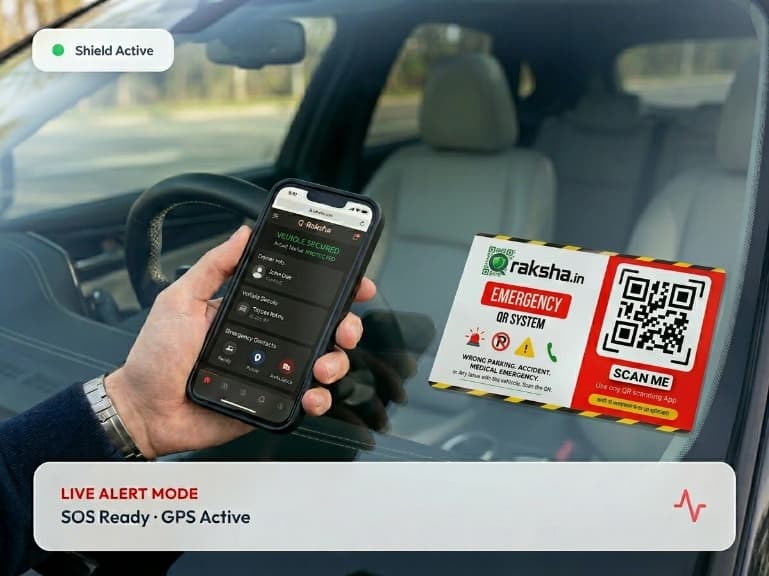
When Someone Scans Q-Raksha,
These Features Are Activated:
Emergency SOS Button
Most Critical Button — One Click, Immediate Help!
When anyone presses this button, an AI Voice Call is sent directly to the owner's phone. The call clearly states the incident location, who is in need, and when it occurred.
Step-by-Step Flow
Exactly What Happens?
Scanner → SOS Button Click
System → AI Voice Call to Owner (TeleCMI)
Call includes Incident Name, Location, and Scanner details
An alert also appears on the Owner's Dashboard
"Send My Location Now" Button
Precise GPS location is sent to the owner
When the scanner presses this button, their WhatsApp opens automatically with a Google Maps link. The owner immediately knows where the scan happened and how to reach the location.
Step-by-Step Flow
Exactly What Happens?
Scanner → "Send Location" Click
Browser → Current coordinates taken via GPS
WhatsApp opens with a pre-filled message
Message: "🚨 Emergency! I am here: [Google Maps URL]"
Owner → View exact location on the Map
Nearby Medical Assistance
Hospital, Ambulance, Pharmacy — All in one place
This section automatically locates the 5 nearest hospitals based on the scanner's GPS location, along with direct buttons for 108 Ambulance, Pharmacies, and Blood Banks.
Step-by-Step Flow
Exactly What Happens?
The system registers the scanner's GPS location
Nearby hospitals are identified via Google Maps API
Shows hospital name, distance, and directions
"108 Ambulance" — Direct call button
"Nearby Pharmacy" — Opens directions on Maps
Police & Emergency Helplines
100, 108, 101 — In one tap
This section features direct call buttons for Police (100/112), Fire Brigade (101), and Ambulance (108), plus the nearest Police Station via GPS with directions.
Step-by-Step Flow
Exactly What Happens?
"Police Call (100)" → Dials immediately
"Fire Brigade (101)" → One-tap call
"Nearby Police Station" → Directions on Maps
Scanner's live location can also be shared with police
Live Evidence Capture
Photo, Audio, Siren — Everything is recorded discreetly
The scanner's camera and mic record scene photos and audio in the background. This is immediately uploaded to the owner's Dashboard as an "Evidence Log".
Step-by-Step Flow
Exactly What Happens?
"Take Photo" → Scene capture via scanner's camera
"Record Audio" → Audio capture via mic in background
"Activate Siren" → Triggers a loud alarm on the phone
All data uploaded to Supabase → Visible on Owner's Dashboard
Evidence stored with GPS timestamps
Which Pack Is Right For You?

🚗 Car Safety
Accident alerts, wrong parking, theft rescue. Place the sticker on your windshield.
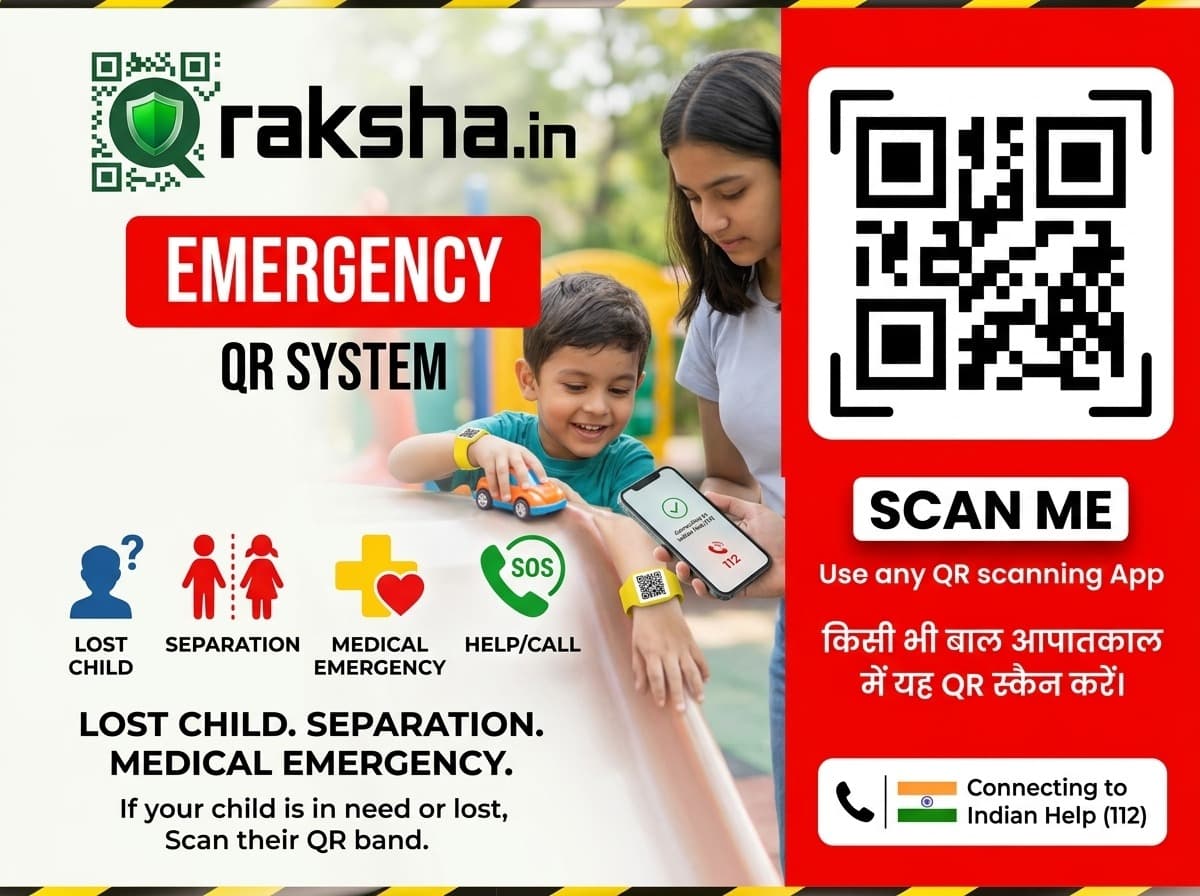
👶 Child Safety
For school bags or wristbands. Locate children instantly during any emergency.
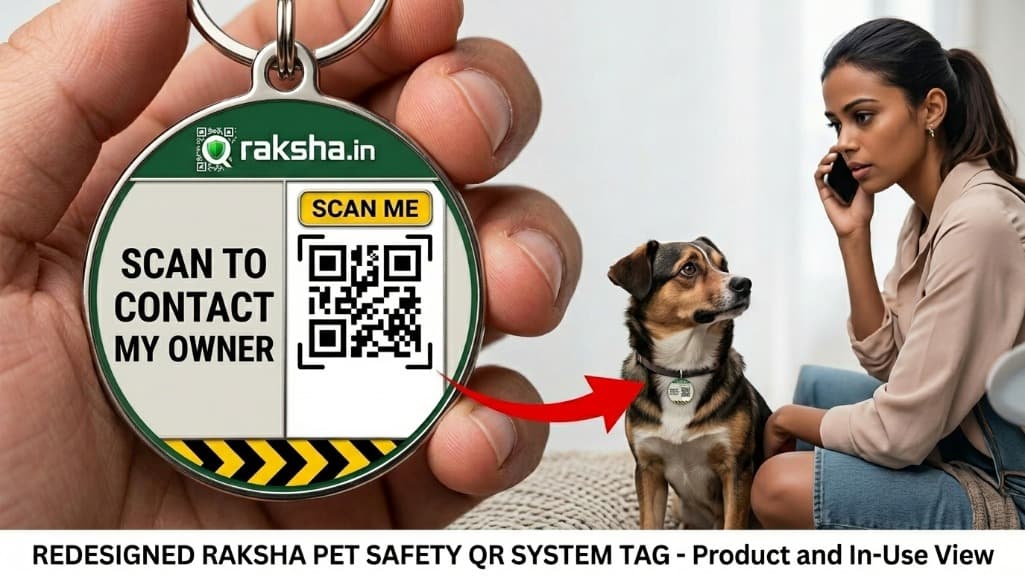
🐕 Pets & Animals
Attach to the collar. If lost, the finder can call you directly.
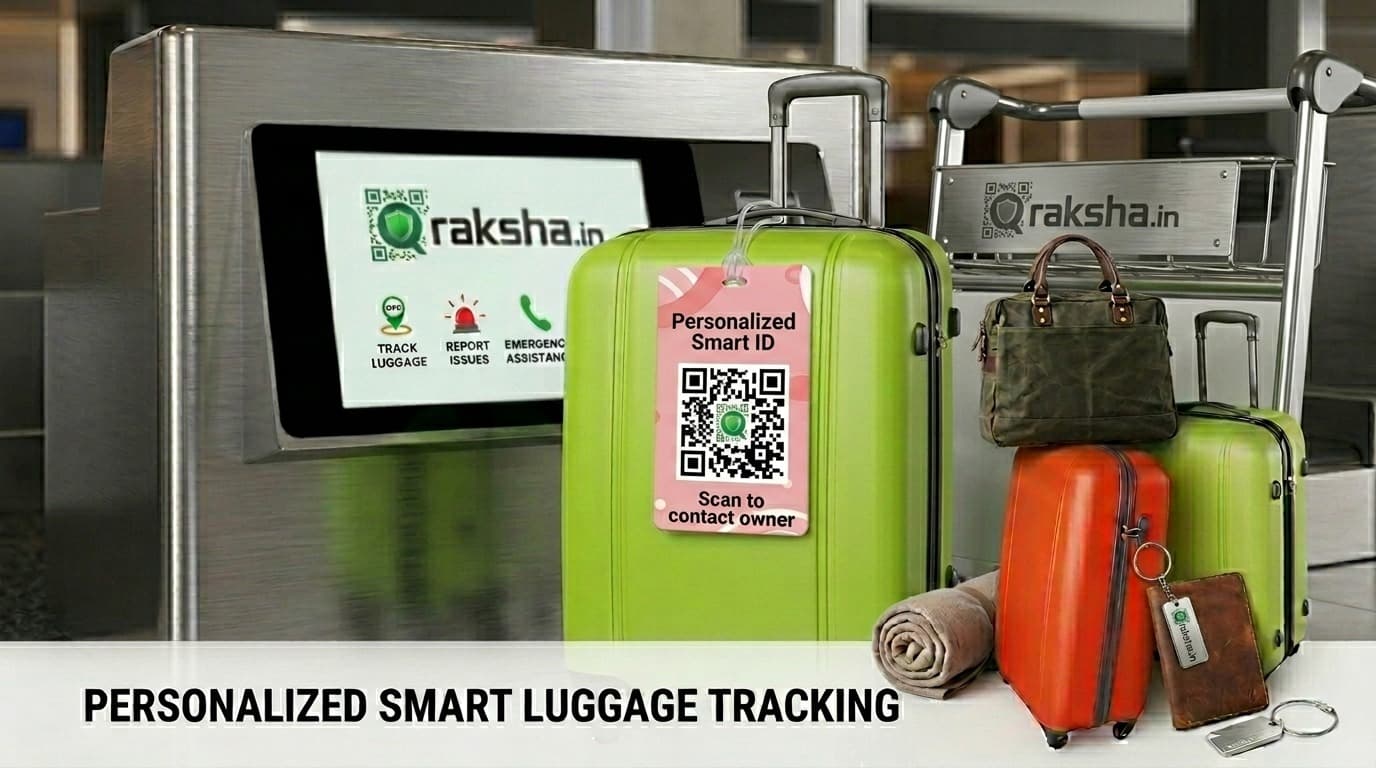
🧳 Travel & Luggage
For airport bags or suitcases. Track items even during international travel.
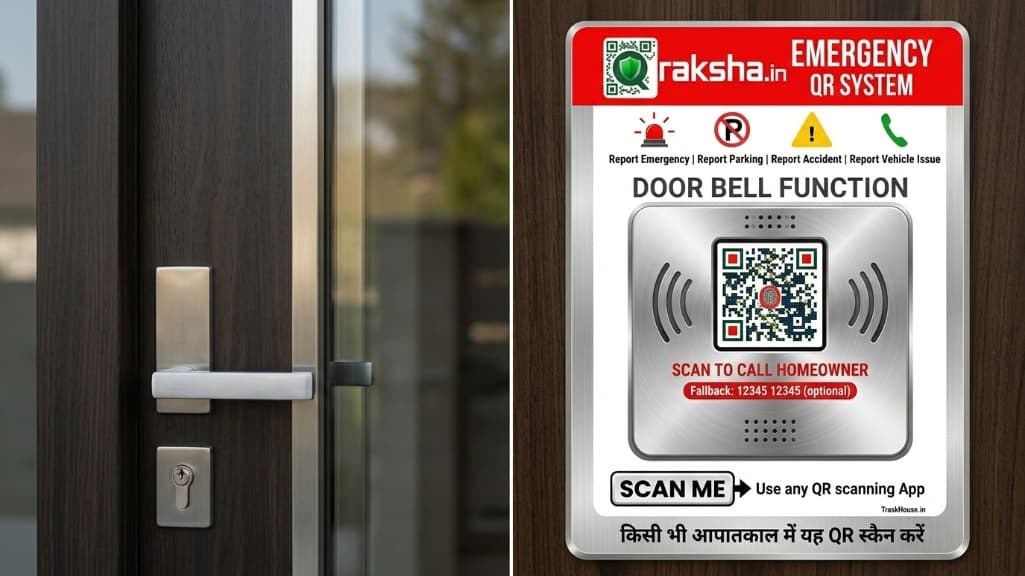
🔔 Home & Doorbell
Place on your doorbell. When someone scans it, you'll receive an AI voice call.
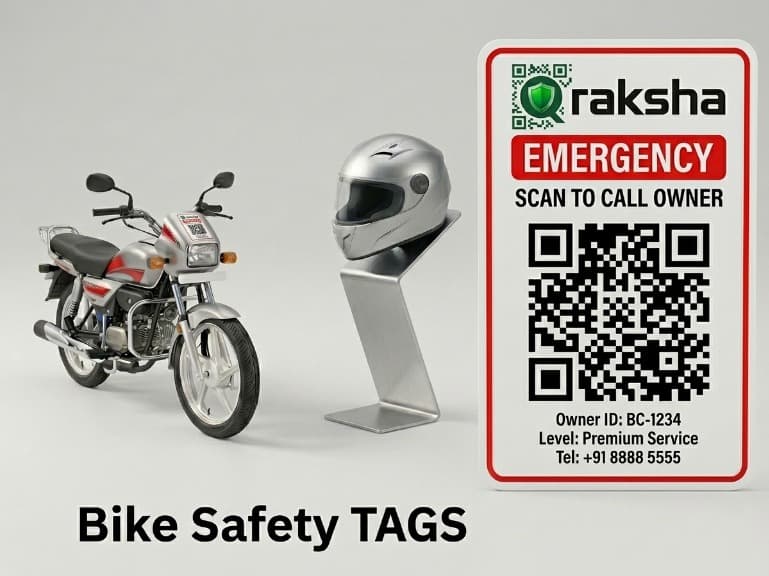
🏍️ Bike Safety
On the bike or scooter console. Get instant alerts for accidents or wrong parking.
Just 4 Steps — And You're Safe!
Order Your Pack
Choose a pack based on your needs — for Car, Bike, Children, or Pets. Get it delivered to your doorstep.
Scan New QR
Once you receive the sticker, scan it with your phone. Click the "Connect to Account" button.
Fill in the Details
Enter your name, blood group, and 3 emergency contact numbers. That's it.
Apply it — You're Ready!
Attach the QR Tag to your vehicle, helmet, or bag. You're now 24/7 protected. Immediate help arrives when scanned.
How to access the Dashboard?
Logging in is very
simple
Scan your own QR → Dashboard opens instantly
Go to Q-Raksha.com → Login via OTP
Bookmark your dashboard link for 1-click access
How is it different from other stickers?
No App Required
The scanner doesn't need to download anything. Just scan with the phone's camera, and everything opens in the browser.
Number Remains Private
Your real mobile number is never shown. Communication happens via a secure encrypted bridge. 100% privacy guaranteed.
AI Voice Alert (Never Missed)
Not just a simple SMS — a powerful AI Authority Call is placed. It retries until your family answers. Emergencies are never missed.
Live GPS Radar Dashboard
The exact location, time, and scanner details of every scan appear on your personal dashboard in real-time.
Photo + Audio Evidence
Photos and audio of the scene are discreetly captured and uploaded to your dashboard. Court-ready evidence.
One-Time Purchase, Lifetime Safety
No monthly subscriptions. Buy a Q-Raksha pack once and enjoy lifetime basic protection with zero hidden charges.
The Safety of Your Loved Ones
Begins with a Single Scan.
Whether in a village or city, for children or the elderly — Q-Raksha is for everyone. Get it today and stay worry-free forever.